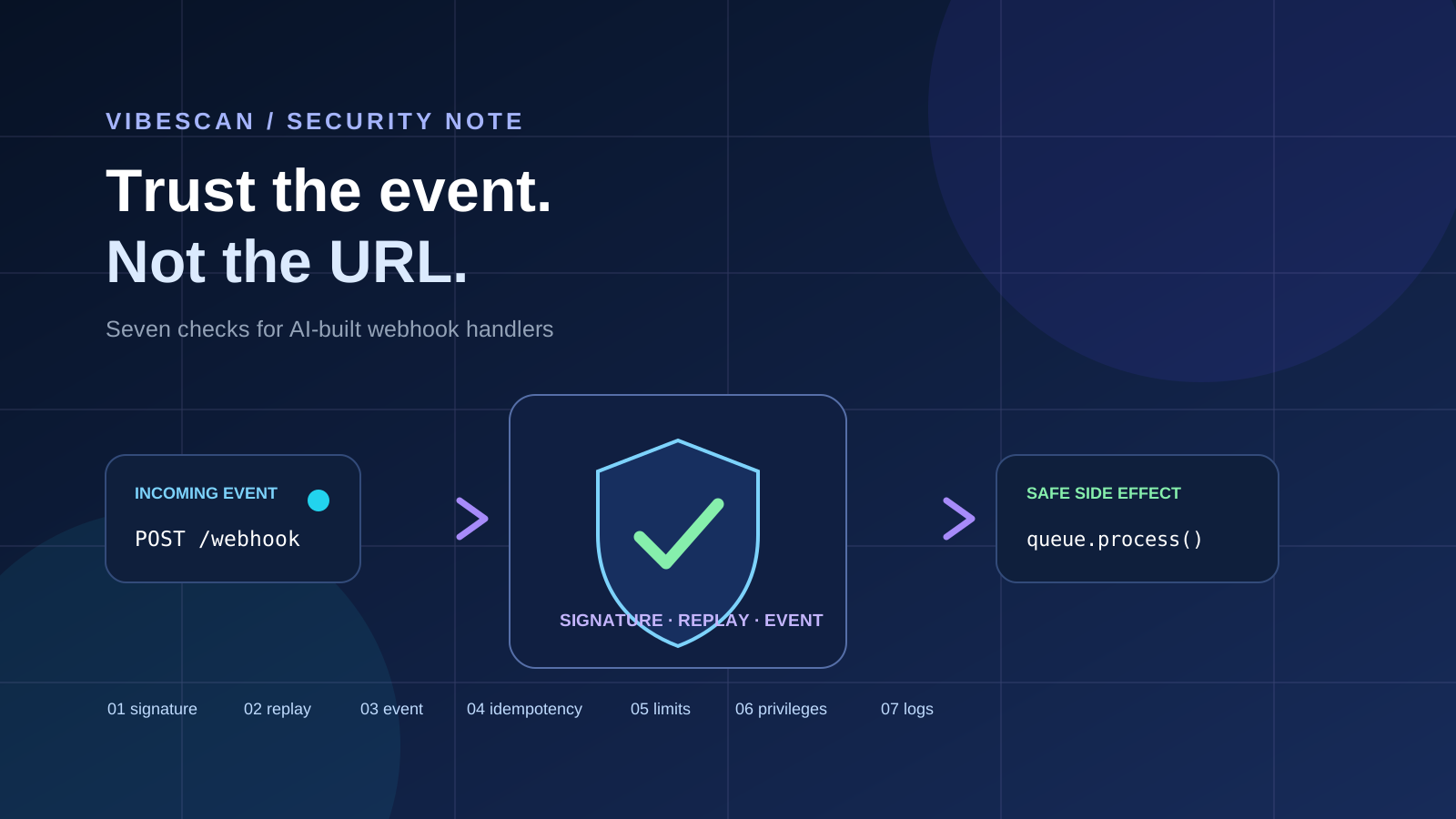
AI coding tools make it easy to add a Stripe checkout, GitHub integration, email provider, background job, or deployment hook in an afternoon. The generated endpoint may be short, readable, and apparently functional.
That is exactly why webhooks deserve their own review. An incoming webhook is an internet-facing POST request that can create records, change account state, issue refunds, trigger emails, or start a deployment. A route that “works” in a happy-path test can still accept forged requests, process the same event twice, or trust fields it should have ignored.
This is a different problem from the broader pre-launch security checklist for AI-built apps. Here the question is narrower: what must be true before your app treats an external event as an instruction?
Start with the trust boundary
Write down four things before reading the handler:
- Who is allowed to send this event?
- How does the provider prove that the body was not changed?
- What exact event types and actions should this endpoint accept?
- What happens if the same delivery arrives again, arrives late, or arrives out of order?
OWASP’s API Security Top 10 is a useful map for this review. Webhook handlers can run into broken authentication, unrestricted resource consumption, security misconfiguration, unsafe consumption of APIs, and authorization flaws—not because webhooks are special, but because they combine an API boundary with automated side effects.
1. Verify the signature on the raw request body
The first test is simple: send a request with a missing, malformed, or incorrect signature and confirm that no side effect occurs. Then change one byte in an otherwise valid payload and confirm that it is rejected.
Signature verification usually depends on the exact bytes received. Do not parse JSON, reserialize it, and then verify the reconstructed string unless the provider explicitly documents that behavior. Keep the signing secret server-side, use the provider’s official verification library when one exists, and compare signatures using the library’s safe verification function.
Stripe’s webhook guidance says to verify the payload with the Stripe-Signature header and the endpoint secret. GitHub’s guidance likewise recommends a high-entropy webhook secret and validation against the original request body. These are provider-specific implementations of the same boundary: an unverified webhook is just an anonymous POST request.
2. Make replay protection explicit
A valid signature proves that the provider signed the request. It does not automatically prove that this delivery is new. An attacker who captures a valid request may be able to send it again, and providers may retry deliveries when your endpoint times out.
Store a provider delivery ID or event ID with a uniqueness constraint, and decide how long to retain it based on the provider’s retry window and the impact of the action. For providers that supply a timestamp, enforce the documented tolerance through the official library. GitHub specifically documents the X-GitHub-Delivery identifier as a way to detect repeated deliveries.
Test the same signed request twice. The first request may create the record or enqueue the job; the second should be a safe no-op or a clearly recorded duplicate, not a second charge, email, or account mutation.
3. Separate “accepted” from “completed”
Webhook providers expect a quick HTTP response. If your handler performs a long database transaction, calls several APIs, or generates a report before returning, the provider may retry the delivery while the first attempt is still working.
A safer shape is: verify the request, validate the event, record the delivery, enqueue idempotent work, and return a success response. The worker can then perform the expensive side effect. GitHub’s documentation recommends responding within 10 seconds and suggests asynchronous processing when work would take longer.
This is not a license to acknowledge every request. Invalid signatures and unsupported events should be rejected. The point is to keep verified, accepted work small and repeatable.
4. Allowlist event types and actions
Many providers send multiple event types through one endpoint. An AI-generated handler may switch on a convenient field without checking whether the event type, action, account, or object state is one you actually support.
Build an explicit allowlist. Reject unknown event types. For known events, validate required fields, expected state transitions, and the provider account or environment when the payload contains those identifiers. GitHub recommends checking both the event type and action before processing a payload; the same discipline applies to other providers.
5. Make the side effect idempotent
Idempotency is not only a webhook concern. It is the property that lets a retried operation reach the same final state without multiplying the effect.
Choose a stable idempotency key—often the provider event ID—and enforce it in the database rather than relying only on an in-memory flag. Put the uniqueness check close to the side effect. If an event creates a subscription, for example, the subscription write and the “already processed” record need a transaction or an equivalent concurrency-safe design.
Then test concurrent delivery: send two copies at nearly the same time. A sequential duplicate test can pass while a race still creates two records.
6. Bound inputs, privileges, and outbound work
Signature verification does not make every field trustworthy. A signed payload can still be unexpectedly large, contain an unsupported value, or request work that is expensive for your system.
- Set a request-body size limit and reject oversized payloads early.
- Validate types, lengths, enums, and state transitions after verification.
- Use a least-privilege credential for the worker instead of a broad service-role key.
- Keep outbound calls allowlisted and apply timeouts, retries, and rate limits.
- Do not let user-controlled URLs in an event become unrestricted server-side fetches.
These checks line up with OWASP API risks such as unrestricted resource consumption, SSRF, security misconfiguration, and unsafe consumption of APIs. They also make failures easier to diagnose when a provider changes its payload shape.
7. Log enough to investigate, not enough to leak
Record the delivery ID, event type, verification result, processing status, latency, and a correlation ID. Avoid logging signing secrets, authorization headers, full payment or customer objects, raw tokens, or entire payloads by default.
Keep logs useful for a replay investigation: when was the delivery seen, was it accepted, was it a duplicate, what worker handled it, and what side effect was committed? If you need a payload for debugging, redact it deliberately and apply a retention period.
A review sequence for an AI-generated handler
- Read the provider’s signature-verification documentation before reading the generated code.
- Trace the raw request body from the web framework to the verification call.
- Find the delivery ID, uniqueness constraint, and duplicate path.
- List accepted event types and reject everything else.
- Trace every side effect and identify its idempotency boundary.
- Check body limits, timeouts, outbound destinations, and worker privileges.
- Run invalid, modified, duplicate, concurrent, oversized, and unsupported-event tests.
OWASP’s AI-Assisted Secure Coding guidance recommends independent human review and automated security testing for AI-generated code, with elevated review for security-critical files. A webhook handler belongs in that category when it controls money, identity, permissions, deployments, or user data.
Have a small AI-built app with an integration endpoint?
Run a first-pass security check with VibeScan →VibeScan is positioned as a first-pass check for security mistakes in AI-generated code and live apps, such as exposed secrets, open database rules, and missing auth checks. It is useful for finding obvious problems earlier, but it is not a guarantee, a complete webhook review, or a replacement for a professional security assessment. Read the VibeScan documentation for the current scope before relying on any result.
Further reading
- Stripe: Receive events in your webhook endpoint — signatures, HTTPS endpoints, retries, and provider-specific verification.
- GitHub: Best practices for using webhooks — secrets, HTTPS, event allowlists, response timing, and replay protection.
- GitHub: Validating webhook deliveries — signature validation examples against the original body.
- OWASP API Security Top 10:2023 — authorization, resource consumption, SSRF, configuration, inventory, and unsafe API consumption.
- OWASP AISVS Appendix C — controls for reviewing and testing AI-generated code.
For the broader launch sequence, read How to Secure an AI-Built Web App Before Launch. For the human side of shipping focused products, read more about building apps solo.